

Top gaming desktop computer deals
Top mini PC deals
Top all-in-one desktop computer deals
Whether you’re looking for a productivity desktop, a gaming PC powerhouse, or a stylish all-in-one Windows machine, we’ve got you covered. The team at PCWorld continually sorts through all of the daily computer sales and puts together a curated list of the best deals available. But not all deals are really deals, so we only choose those offered by reputable companies and that include great hardware to ensure you get the best value for your money.
We’ve also included some helpful answers to common questions about buying a computer at the bottom of this article. If you’re considering a laptop instead, be sure to check out our best laptop deals.
| If you need… | Best type of PC | What to look for |
|---|---|---|
| Everyday home or office use | Traditional desktop or mini PC | Core i5/Ryzen 5-class CPU, 16GB RAM, 512GB+ SSD |
| Gaming | Gaming desktop tower | Dedicated GPU, 16GB+ RAM, 1TB SSD, upgradeable case |
| A small, tidy setup | Mini PC | 16GB RAM, 512GB+ SSD, enough ports for your monitor and accessories |
| The simplest setup | All-in-one PC | Good display, 16GB RAM, enough storage, webcam and peripherals included |
| The most upgradeability | Desktop tower | Standard components, accessible RAM/storage, room for a future GPU |
| The lowest possible price | Refurbished desktop | Reputable refurbisher, warranty, return policy, and sufficiently recent hardware |
For most people, a desktop tower offers the best balance of price, performance, and future upgrades. Mini PCs are better when space matters, while all-in-ones trade upgradeability for a cleaner and simpler setup. Gamers should prioritize a dedicated graphics card, while home and office users can usually save money with integrated graphics. Refurbished desktops can also be excellent value if they come from a reputable seller with a warranty.
Our desktop computer deals are chosen by computer experts from the PCWorld staff who collectively have decades of experience testing and writing about all types of desktop PCs. Deals are hand-picked according to detailed analysis of historic pricing data and extensive knowledge of brand reliability and performance (i.e., the computers have to be good and the deals have to provide real value).
Note: Tech deals come and go quickly, so it’s possible some of these computer discounts will have expired before this article’s next update.
Updated October 20, 2026 to include the latest desktop computer deals and updated pricing.
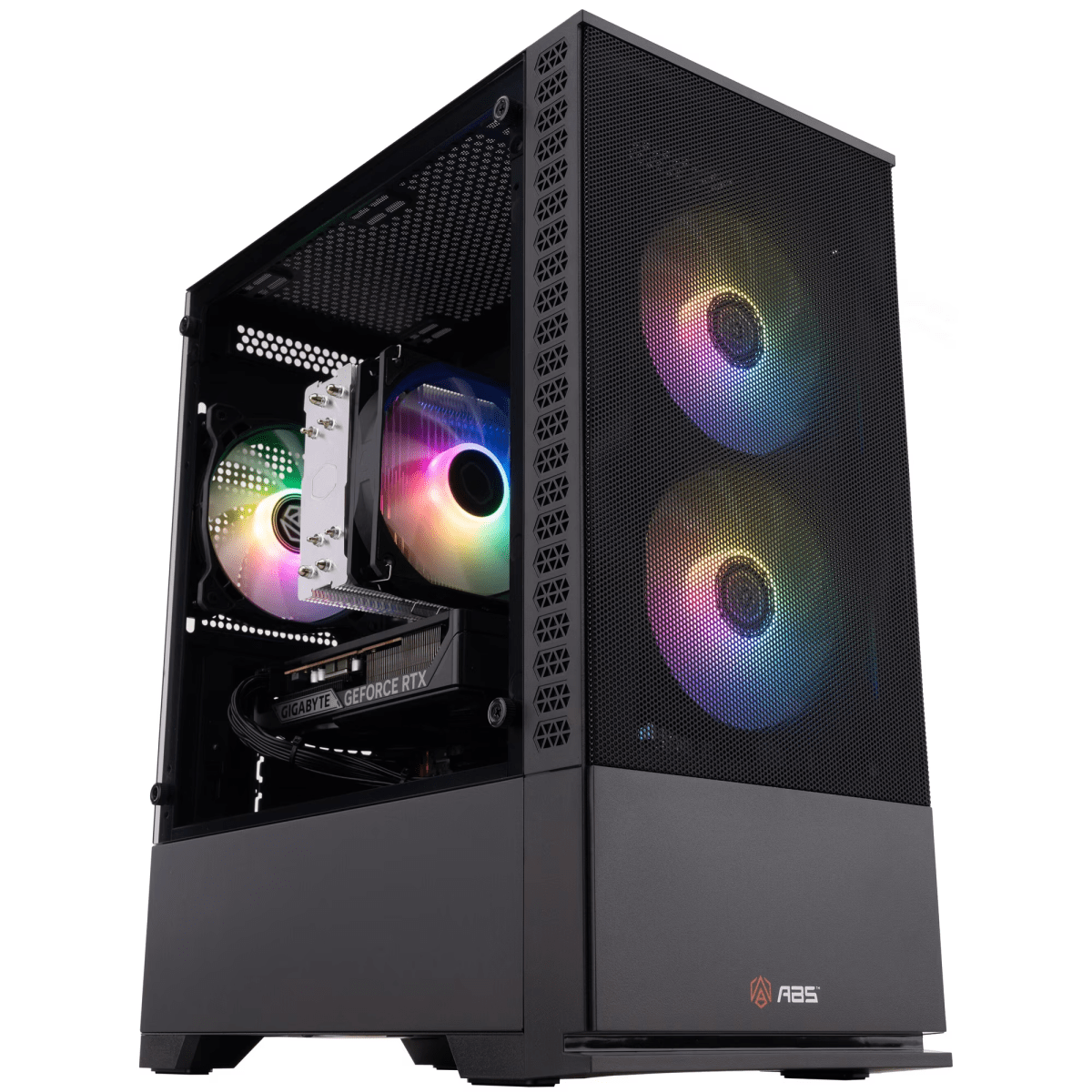
ABS Cyclone Aqua, Core 5 120/RTX 5060/16GB RAM/1TB SSD—$849 (29% off on Walmart)
At $351 off, this ABS Cyclone Aqua is a must-buy option this week if you have a tight budget, but still want a gaming PC. The Core 5 120 isn’t a strong gaming CPU, but depending on the motherboard, you can likely upgrade to another, more powerful 14th-gen Intel processor in the future for relatively cheap. Regardless, the included CPU and RTX 5060 combo should handle most games at 1080p and maybe even higher with DLSS doing a little extra work. The 16GB of DDR4 RAM is fairly basic, but it’s enough for most games, and the 1TB SSD gives you a decent amount of room to get started.
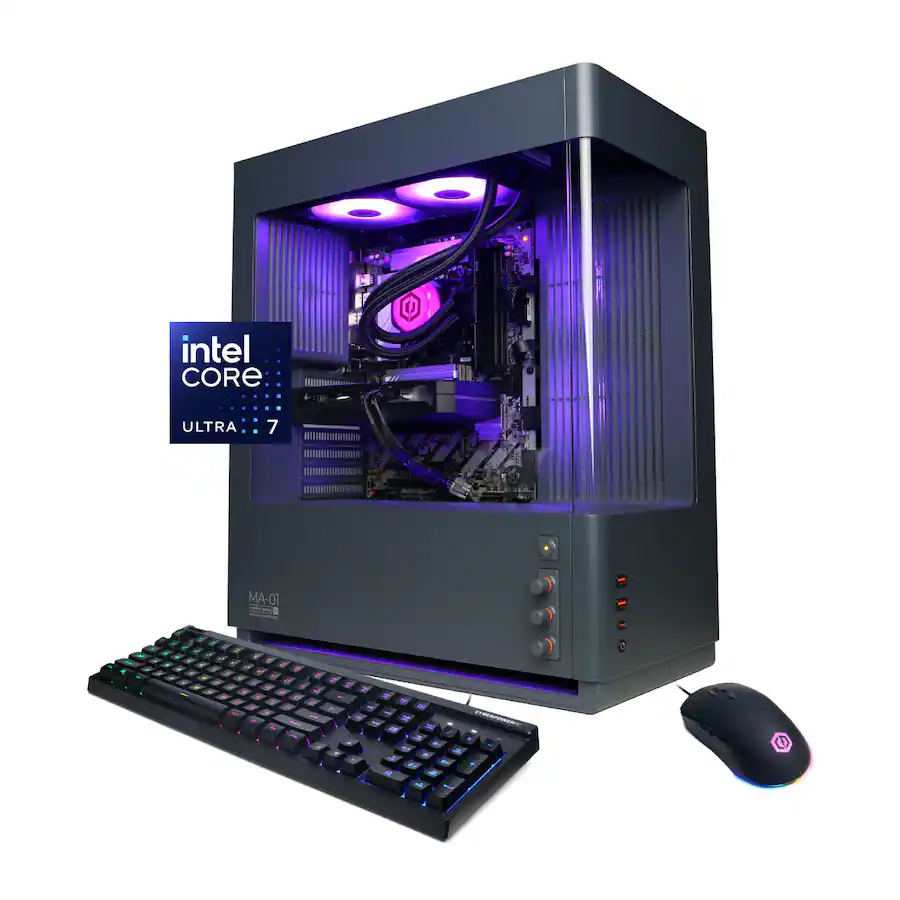
CyberPowerPC Gamer Xtreme, Core Ultra 7 265F/RTX 5060 Ti/16GB RAM/1TB SSD—$1,440 (10% off at Best Buy)
Continuing the CyberPowerPC deals this week, Best Buy has also knocked $160 off this CyberPowerPC Gamer Xtreme. The Core Ultra 7 265F brings strong processing power, while the RTX 5060 Ti makes this a capable 1440p gaming machine. A 1TB SSD gives you a decent amount of storage, though I’d have liked to see 32GB of RAM instead of 16GB at this price—but I guess that’s the world we live in now. It’s still a great bargain for 1440p-capable gaming rig.
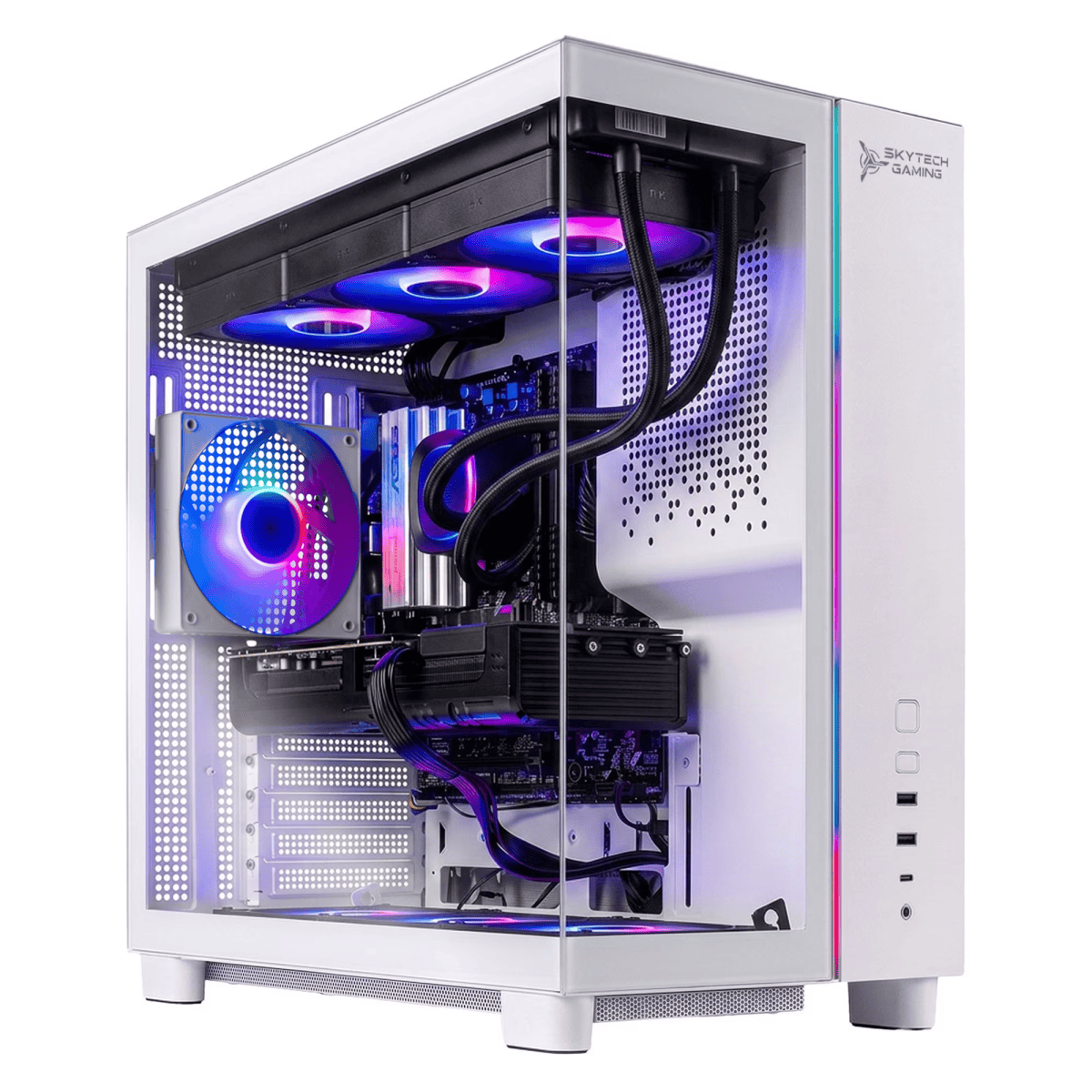
Skytech Tempest, Ryzen 7 9800X3D/RTX 5070 Ti/32GB RAM/2TB SSD—$2,430 (8% off at Walmart)
This upper-midrange Skytech Tempest for $220 off on Walmart pairs AMD’s excellent Ryzen 7 9800X3D with an RTX 5070 Ti for blazing-fast 1440p gaming and smooth 4K performance. You’re also getting 32GB of DDR5 RAM, a spacious 2TB SSD, a 360mm liquid cooler, and an 850W Gold power supply, so you won’t have to worry about upgrades anytime soon.
Ningmei Lumishore, Ryzen 7 5700X/RTX 5060/32GB RAM/1TB SSD—$1,400 (30% off on Walmart)
Walmart is offering this Ningmei Lumishore for $600 off. Although the $1,400 sale price is admittedly a little steep for an RTX 5060 system, it’s an absolutely stunning solid white and blue system—plus, you do get a generous 32GB of DDR4 RAM to sweeten the deal. The Ryzen 7 5700X and RTX 5060 should deliver great 1080p performance and can handle some 1440p gaming as well. This is more of a good deal for those who are willing to pay a bit more for a desktop that will instantly become a centerpiece for their battlestation.
Acer Nitro 65, Ryzen 7 8700F/Radeon RX 9060 XT/16GB RAM/1TB SSD—$1,200 (23% off at Best Buy)
Best Buy has knocked $350 off this Acer Nitro 65, bringing it down to just $1,200. With a Ryzen 7 8700F and Radeon RX 9060 XT, this gaming desktop has plenty of power for 1440p gaming. Don’t let the AMD Radeon GPU throw you off, the 9060 XT generally outperforms Nvidia’s RTX 5060 and sits somewhere around the Ti-version, which is often more expensive. You also get 16GB of DDR5 RAM and a 1TB SSD, which should be enough for most gamers right out of the box.
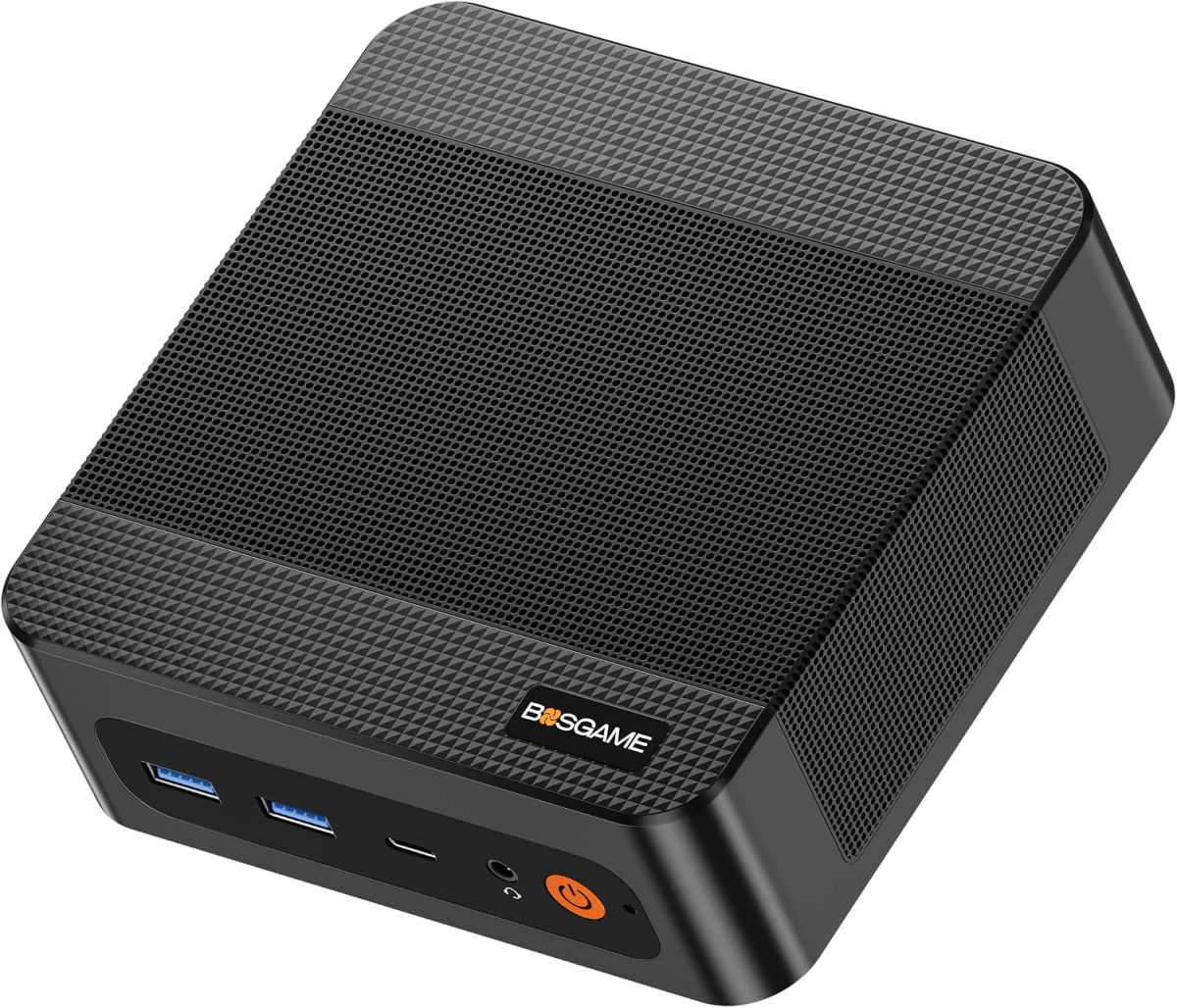
Bosgame P6, Ryzen 9 6900HX/24GB LPDDR5X RAM/1TB SSD—$530 (12% off on Amazon)
At $530, the Bosgame P6 packs a lot of performance into a small box. Its Ryzen 9 6900HX is a decently powerful chip, while the 24GB of LPDDR5X RAM give you a good amount of performance to handle most tasks. A roomy 1TB SSD, plus useful extras like dual 2.5Gb Ethernet, Wi-Fi 6, and support for multiple displays make this a solid deal on a midrange mini PC.
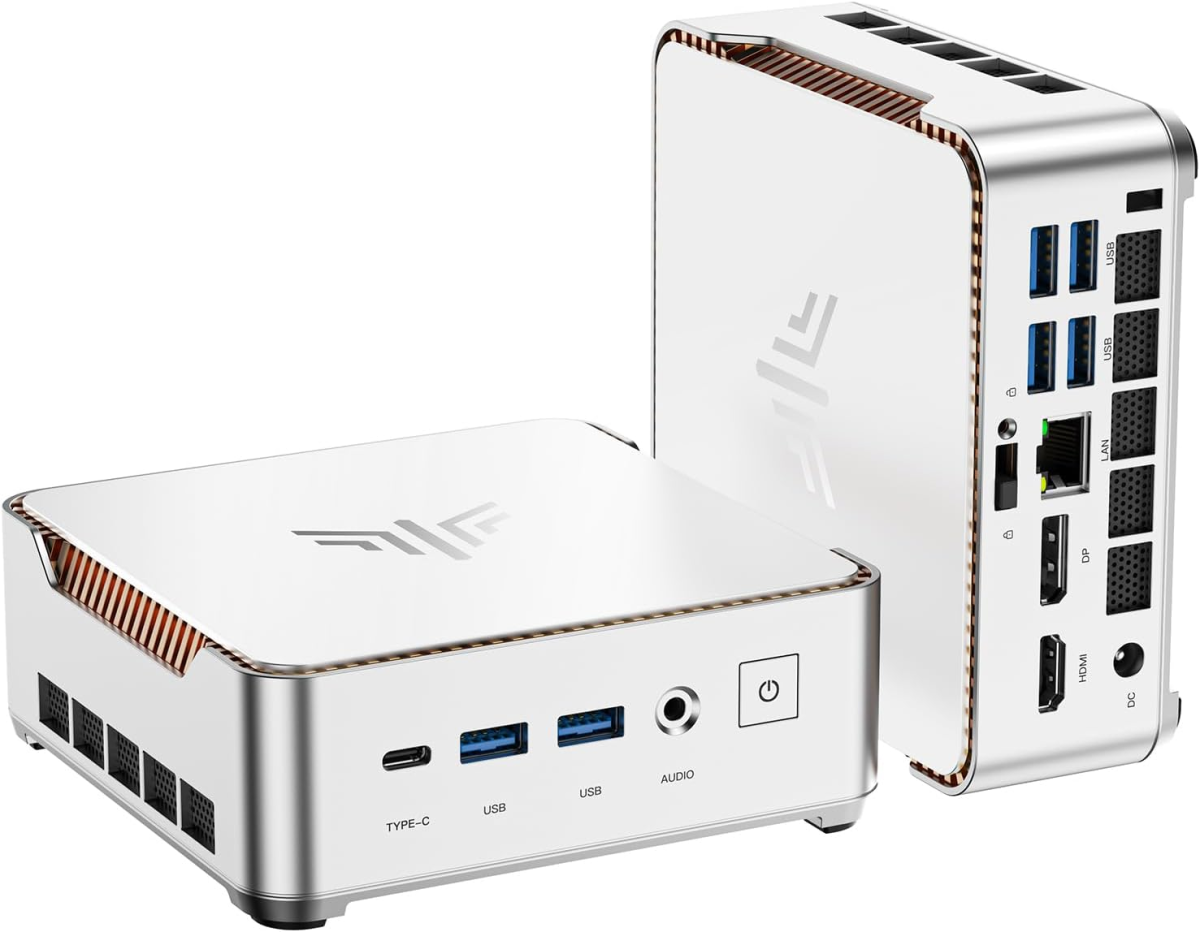
Kamrui Pinova P2, Ryzen 3 7330U/16GB RAM/256GB SSD/triple 4K support—$350 (8% off on Amazon)
The Kamrui Pinova P2 is down $30 on Amazon, making it a solid budget pick for everyday use. Its Ryzen 3 7330U isn’t built for heavy workloads, but with four cores and eight threads, it should handle office apps and other basic tasks just fine. You also get 16GB of RAM, which is a nice amount at this price. The 256GB SSD is on the small side, but support for up to three 4K displays gives this little PC some extra flexibility for a home office PC or basic desktop setup.
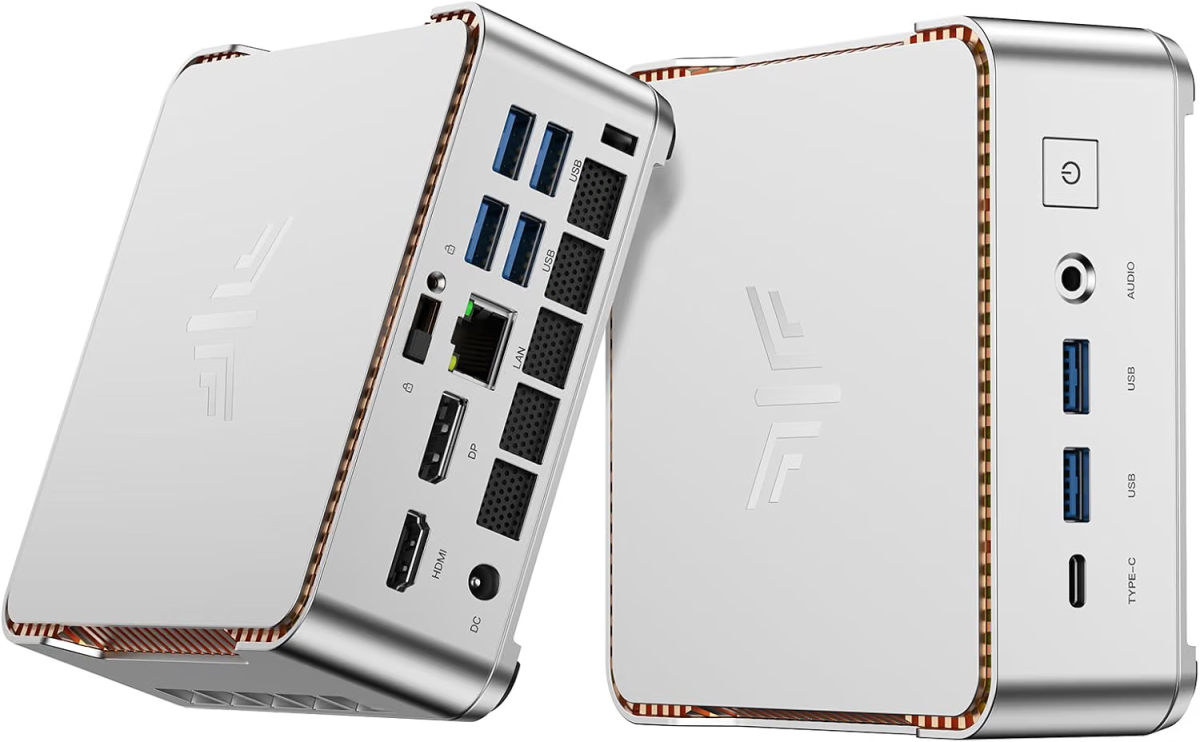
Kamrui P2, Core i5-12600H/32GB DDR5 RAM/1TB SSD/triple 4K support—$569 (39% off on Amazon)
At $360 off on Amazon, the Kamrui P2 is an outstanding deal on a well-equipped Intel mini PC. Its Core i5-12600H is still good for demanding productivity work and heavy multitasking, while the 32GB of LPDDR5 RAM gives you plenty of memory to work with. You also get a large 1TB SSD, which is a nice amount of storage at this price. Throw in support for up to three 4K displays and Windows 11 Pro, and you’ve got a versatile little PC with a lot more power than most other builds at this price.
Kamrui Hyper H2 Mini, Core i5-14500HX/16GB RAM/512GB SSD/triple 4K support—$480 (28% off on Amazon)
The Kamrui Hyper H2 Mini is $190 off on Amazon, making it a great pick if you want serious CPU power in a small package. Its Core i5-14500HX is a great processor for work or productivity tasks. You also get 16GB of DDR4 RAM and a 512GB SSD, which is a decent combination for most users at this price point. For a relatively low price, this build beats a standard budget mini PC by miles.
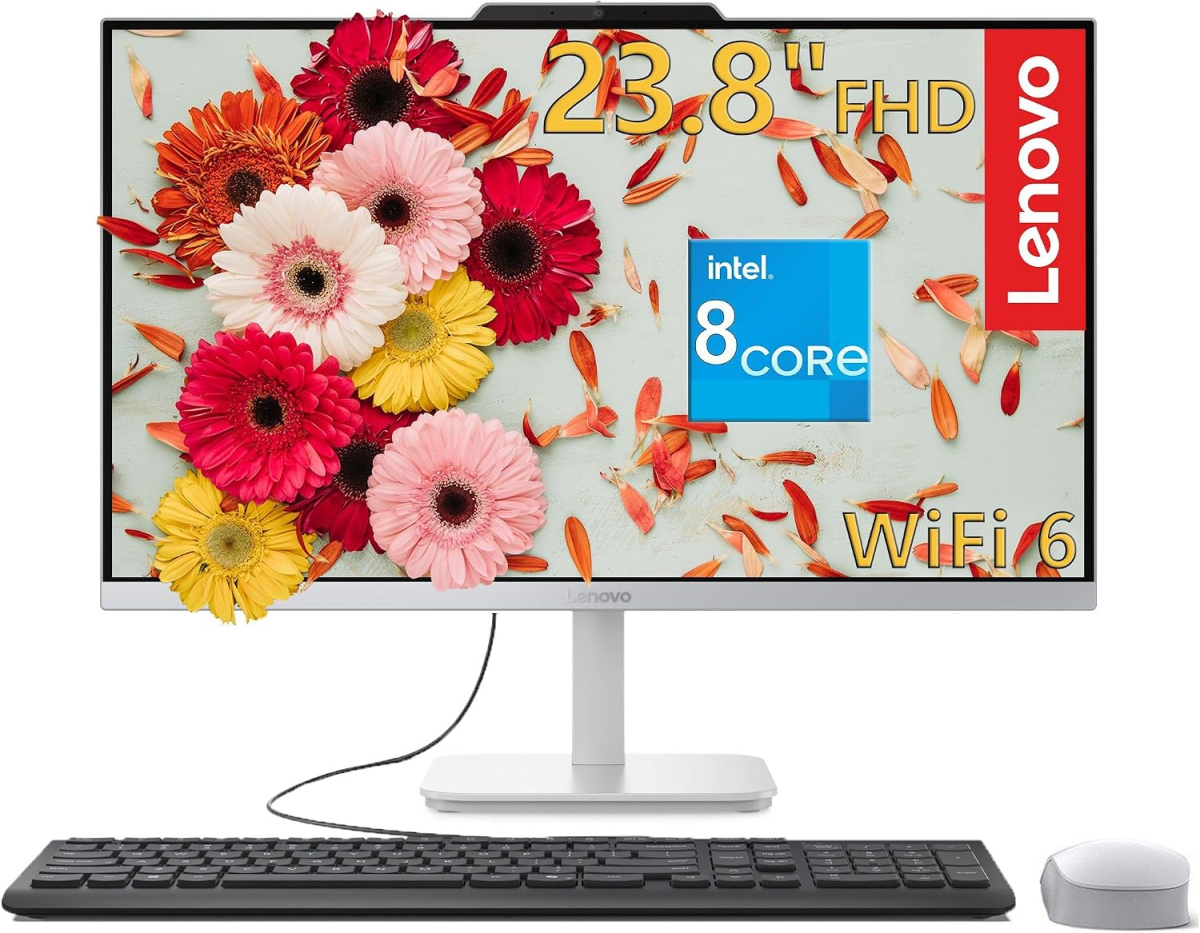
Lenovo IdeaCentre 24 AiO, Core i3-N305/16GB RAM/1TB SSD/24-inch 1080p display—$700 (46% off on Amazon)
Amazon has slashed $600 off this Lenovo IdeaCentre 24. It’s more than capable for a home office or shared family computer thanks to the Core i3-N305 and 16GB of RAM combo. It’s perfect if you need an AiO for things such as web browsing, working in office apps, and everyday multitasking . You also get a roomy 1TB SSD with plenty of space for documents, photos, and other files.
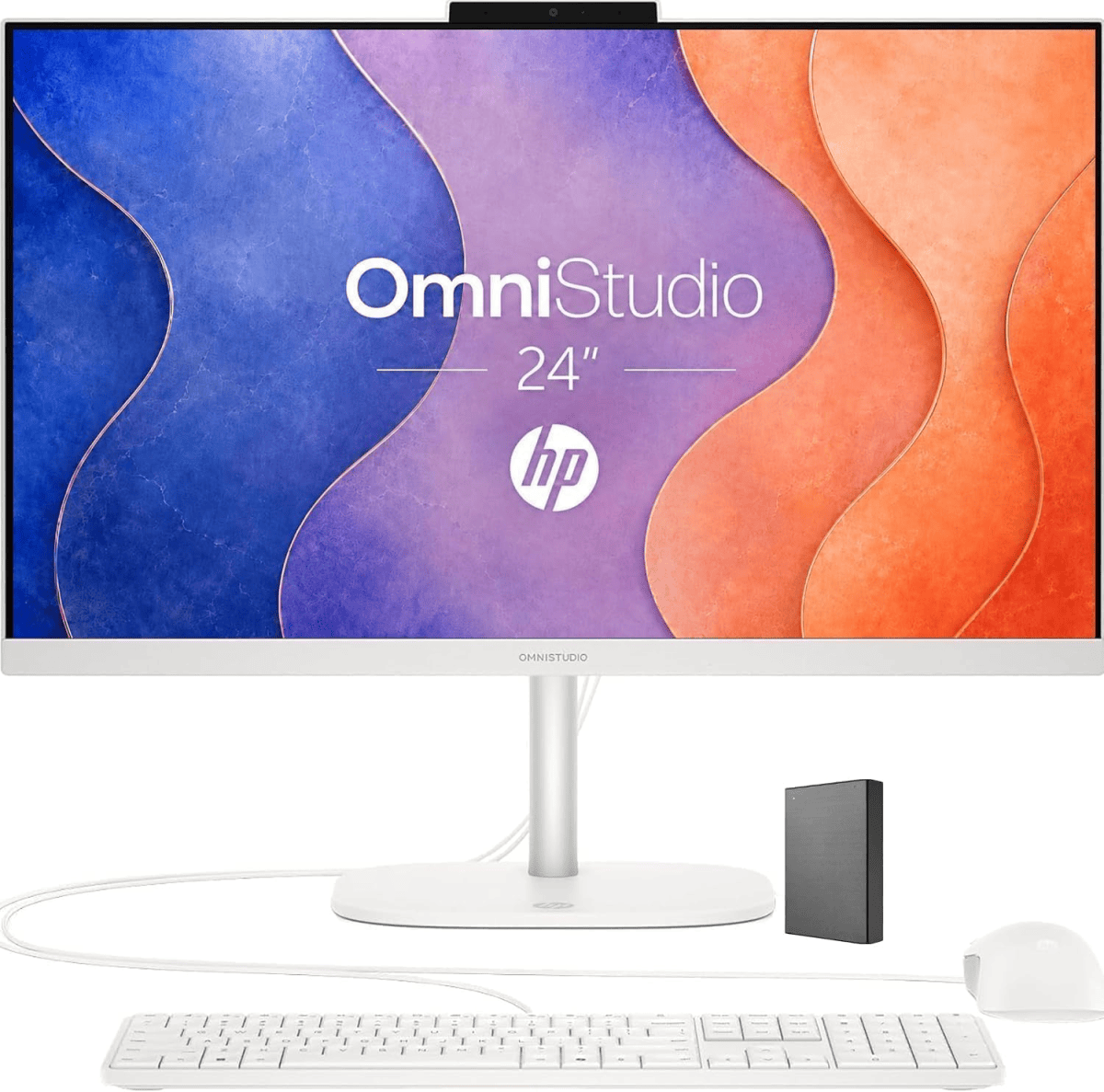
HP OmniStudio 24, Intel N150/16GB RAM/640GB storage/24-inch 1080p display—$700 (36% off on Amazon)
The HP OmniStudio 24 for $500 off on Amazon is another solid budget AiO option this week. The N150 might not be as powerful as the Lenovo’s i3 CPU above, but it’s still capable of most everday tasks. And just like the Lenovo it comes with 16GB of DDR5 RAM, and a keyboard and mouse, making it a convenient setup for everyday tasks like browsing the web, video calls, and office work. Just be aware that only 128GB of storage is built into the PC, while the other 512GB comes on an external drive.
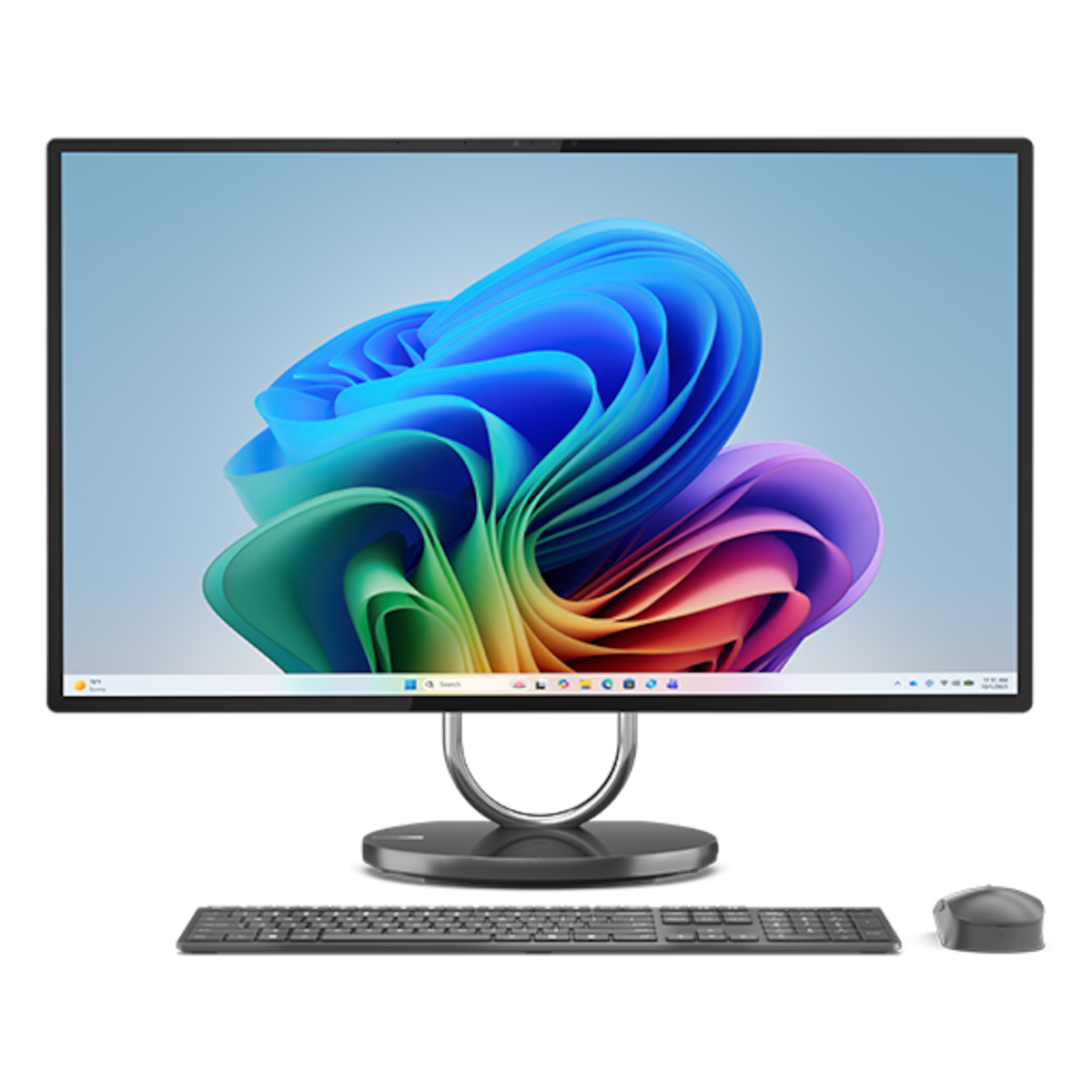
Lenovo Yoga AIO 32i, Core Ultra 7 256V/Arc 140V/16GB RAM/1TB SSD—$1,470 (35% off on Lenovo)
Lenovo’s big, beautiful Yoga AIO 32i is $795 off on Lenovo. The real star here is the gorgeous 31.5-inch 4K display, but you’re also getting a Core Ultra 7 256V processor, Intel Arc 140V graphics, and a 1TB SSD. It’s a great setup for everyday work, multitasking, and even some creative tasks. Just keep in mind that the 16GB of LPDDR5X RAM is soldered on and can’t be upgraded, so you’ll need to be comfortable with that amount for the long haul. Still, it’s a great desktop piece that not only looks good, but has the power under the hood to back it up as well.
There are a ton of sites that sell computers, and scouring through all of them would take you a lot of time—that’s why we do it for you here and highlight the best deals we find. However, to save you some time and frustration, you need to be smart about where you look at any given time of the year.
If you’re looking for a new computer during the holidays or around popular sale periods such as Black Friday or back-to-school, then you are likely to find great deals directly through first party vendor websites. These include the retail storefronts of popular computer manufacturers such as HP, Dell, and Lenovo.
However, if you are looking in between sales periods, it’s generally a good idea to search through large third-party retailers such as Amazon, Adorama, Walmart, BestBuy, and Newegg. Oftentimes these websites will offer limited Deals of the Day type sales in hopes of getting rid of excess stock. On the upside, you can score still-decent PCs at a steep discount.
Typically you’ll want to time your PC computer shopping around a prominent sales period. The biggest sales periods are Black Friday/Cyber Monday in late November and Amazon Prime Day in early-to-mid July. The best sales often occur leading up to and during these two events and they are great times to snag a new PC computer for cheap. Other holiday shopping periods such as the New Year sales in January, President’s Day sales in February, and the back-to-school sales event in August are also good times to find discounts on computers.
You’ll see a ton of options when searching for a desktop computer, but they all mainly fit into four main categories: productivity tower PCs, gaming PCs, mini PCS, and all-in-ones (AiO). Which you should end up buying is entirely dependent upon what your needs are and what you want to do with your computer. If you are looking for something that will work in a home office or family room, then a productivity PC or AiO with a solid CPU and lots of RAM and storage is probably the way to go. If gaming is your main concern, a gaming PC can offer a lot more bang for your buck than a laptop and you should focus on getting the best GPU possible. Or if you just want something that can fit anywhere and provide basic computing then a mini PC is a good bet.
When looking at your new computer’s CPU, get at least an Intel Core i5 or AMD Ryzen 5, both of which will provide plenty of processing power for everyday computing tasks. If you don’t intend to do any PC gaming, then feel free to save some money by going with integrated graphics. However, if you are looking to get your game on, we recommend at least an Nvidia GeForce 3060 or AMD Radeon RX 6600 XT, as these are the least expensive discrete graphics cards that can handle ray tracing well. If you aren’t interested in those cutting-edge lighting effects, however, the RTX 3050 and Radeon RX 6600 also provide decent 1080p gaming performance at even lower prices.
The RTX 5070 is a strong midrange card that will allow for high settings at 1440p while the RTX 5080 is capable of decent 4K gaming if that’s more your speed. For those who won’t compromise for anything besides the best, the RTX 5090 is really your only option currently.
As for RAM, we think its best to shoot for 16GB at the minimum for productivity and gaming, but for family computers and internet browsing, 8GB should suffice.
Storage size is dependent upon your personal needs, but it is generally a good idea to opt for an SSD over an standard HDD as they are much faster and don’t significantly affect the price of a desktop. Before deciding, it’s best to consider what your intended use of the computer will be. Are you just doing work or web browsing? Then something like 512GB will be plenty. If you want to load up a lot of large files such as games or content creation projects, then you’ll need at least 1 or 2TB or storage. However, just remember that even if your computer doesn’t have enough storage built-in you can always upgrade your SSD or go with an external drive to increase your available storage options.
Refurbished computers are used machines that have been repaired, upgraded, and cleaned for the purpose of reselling. They’re usually open-box returns, overstock, or models with minor cosmetic damage (scratches, scuffs, etc). Refurbished computers can be a bargain hunter’s dream as they’re likely still in good (or great) condition and you can save a lot of money. That being said, refurbished computers can have their downsides as well. In addition to cosmetic blemishes, some of the internal components might be a little older or outdated and they might not be in peak condition due to previous usage.
If you do consider buying a refurbished computer I recommend looking at eBay as they offer a one-year warranty. You can also check out manufacturer’s retail storefronts like Dell’s Outlet Store and Apple’s Refurbished Store—just be sure to look at the terms of warranty offered before purchasing.


